
Category: Business Essentials | Reading time: approx. 8 minutes
If someone has ever mentioned your ‘DNS records’ or told you your site needs ‘SSL’, and you smiled and nodded while quietly having no idea what they were on about, then this post is for you.
The internet has its own language and frankly, it can feel like people are speaking in code on purpose. They’re not (mostly), but the jargon does have a habit of making perfectly capable business owners feel like they’re out of their depth.
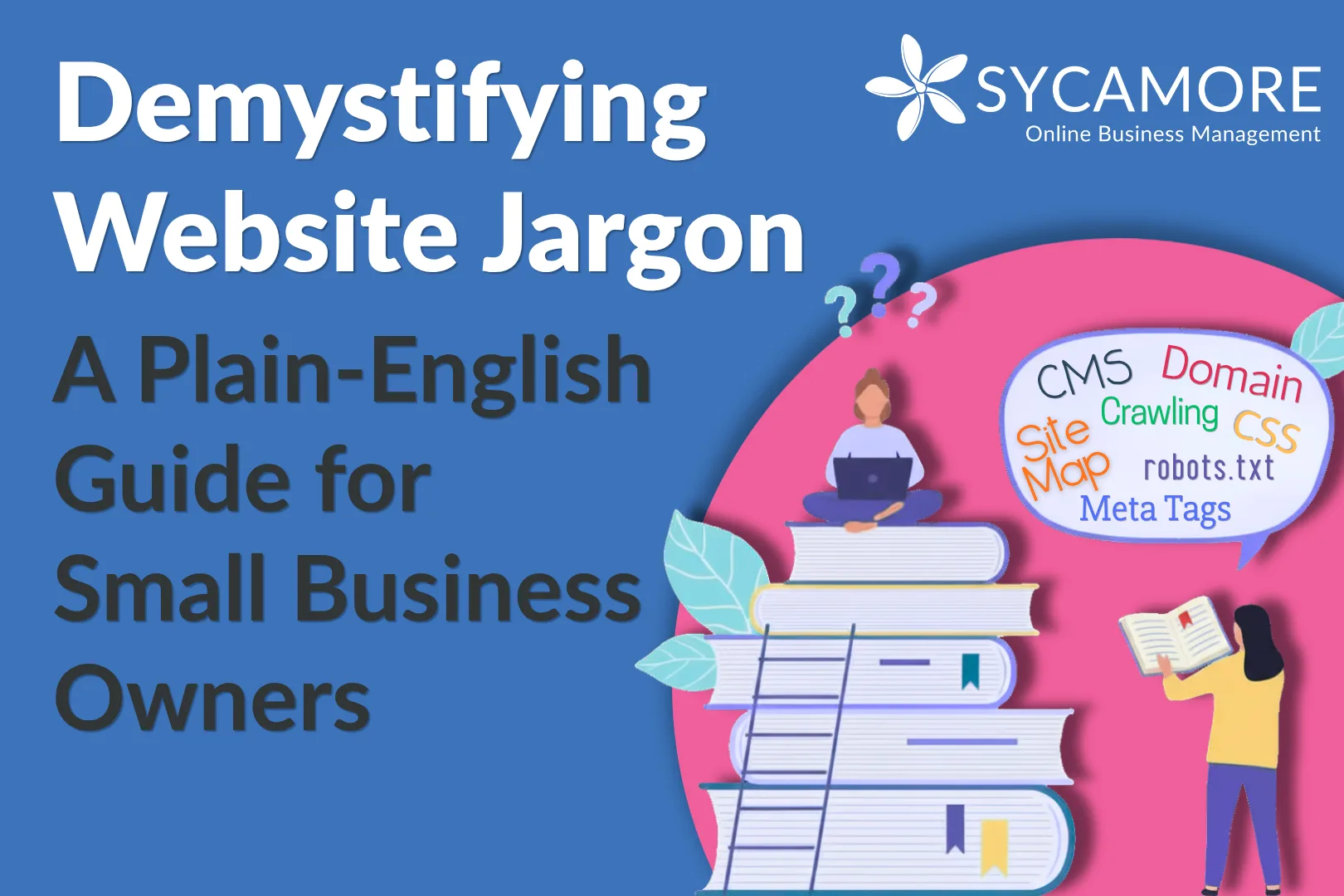
Let’s fix that. Below is a friendly, no-jargon walkthrough of the web terms you’re most likely to encounter, explained in plain English, with a few real-world analogies thrown in for good measure.
You don’t need to become a developer. You just need to know enough to have informed conversations with the people who look after your website, and to make better decisions for your business online.
Your Address on the Internet
Domain
Your domain is the human-readable address of your website; something like mybakery.co.uk or consultingwithme.com. Think of it as the sign above your shop door. You don’t own a domain outright; you register (and renew) it, usually annually, through a company called a registrar. 123reg and GoDaddy are common ones in the UK.
Your domain is like your business’s postal address. Without one, customers can’t find you — and just like a good address, a memorable domain makes a real difference to first impressions.
URL
A URL (Uniform Resource Locator) is the full web address of a specific page, not just your site, but a particular room within it. So, while mybakery.co.uk is your domain, mybakery.co.uk/wedding-cakes is the URL for your wedding cakes page.
When building pages on your site, it’s worth knowing that a good URL is short, descriptive, and uses real words rather than random strings of numbers. mybakery.co.uk/wedding-cakes is far friendlier to both visitors and search engines than mybakery.co.uk/page?id=4829.
IP Address
Every device connected to the internet: your phone, your laptop, your website’s server, has a unique numerical address called an IP address. Humans use domain names because we’re not great at memorising strings of numbers. Computers, however, prefer the numbers.
When you type a web address into your browser, a behind-the-scenes lookup converts that name into the correct IP address so your browser knows exactly where to find your website.
DNS — The Internet’s Phone Book
DNS stands for Domain Name System, and it is genuinely just the internet’s phonebook. When someone types your domain into a browser, DNS looks up the matching IP address and directs traffic to the right place.
DNS is made up of records, and the ones you’re most likely to hear about are:
- The A Record: this is the main one, pointing your domain to a server’s IP address;
- The CNAME Record: mostly used to point one domain or subdomain to another.
- The MX Record: this controls where your emails go. If your work email isn’t arriving, a misconfigured MX record is often the culprit.
Imagine DNS as a switchboard service of old. You ask for ‘ABC Plumbing’, and it gives you back the phone number. DNS does the same thing, just in milliseconds.
SSL / HTTPS — The Padlock in the Address Bar
You may have noticed that some website addresses begin with https:// while others just show http://. That extra ‘s’ stands for ‘secure’, and it means the site has an SSL certificate, which is a layer of encryption that protects information passed between your site and visitors.
Sites without SSL show a ‘Not secure’ warning in some browsers, which understandably puts visitors off. The good news is that most hosting providers now include SSL for free, and it can be set up with a couple of clicks.
In short: if your website doesn’t have a padlock next to its address, get one sorted. It’s free, quick, and it matters.
Where Your Website Lives
Web Hosting
Web hosting is the service that stores your website’s files and makes them accessible to anyone with an internet connection. Think of it as the rent you pay to keep your site on the internet. Without hosting, your website simply doesn’t exist online.
Your domain is your shop sign. Your hosting is the actual premises you’re renting to put your shop in.
CMS — Content Management System
A CMS is the software that lets you manage your website without needing to write code. WordPress and Squarespace are the most well-known examples. If you can log in and update your ‘About’ page or add a new blog post without calling a developer, you’re using a CMS.
For most small business owners, a CMS is non-negotiable. You should be able to make basic updates to your own website without depending on someone else every time.
CDN — Content Delivery Network
A CDN is a global network of servers that holds copies of your website, so that when someone visits from Australia, they’re loading your pages from a server nearby them, rather than one in a data centre in London. The result is a faster experience for visitors wherever they are. Cloudflare is the most commonly used CDN for small business sites.
Static vs Dynamic Sites
A static site is made of fixed files; what you see is what’s there, and it doesn’t change unless someone manually updates it. It’s fast and cheap to run, but you generally need technical knowledge to make changes.
A dynamic site generates pages on the fly, pulling content from a database each time a visitor loads a page. E-commerce shops are a classic example of this; the page you see when searching for a product is assembled each time freshly, showing personalised results, live stock levels, and so on. WordPress sites are dynamic. They require a bit more infrastructure, but they’re far easier to manage.
What a Webpage is Actually Made Of
You don’t need to learn to code, but knowing what your developer is talking about when they mention HTML or CSS means you can have a much more useful conversation with them.
HTML — The Skeleton
HTML (HyperText Markup Language) is the basic building block of any webpage. It defines the structure and content: your headings, paragraphs, images, and links. Think of it as the bare bones of the page, without any decoration.
CSS — The Styling
CSS (Cascading Style Sheets) is what makes a page look the way it does: the colours, fonts, spacing, and layout. If HTML is the skeleton, CSS is the clothes. Change the CSS, and the same content can take on a completely different look.
JavaScript — The Interactivity
JavaScript adds behaviour to a page: animations, pop-ups, forms that validate as you fill them in, and live chat widgets. It’s the layer that makes things happen when you click a button or scroll down the page.
Responsive Design
A responsive site is one that adapts its layout depending on the screen it’s being viewed on, desktop, tablet, or phone. This is now absolutely standard practice, and any new website should be built with responsiveness as a given, not an optional extra.
H Tags — Headings that Matter
H tags are the heading levels on a page, from H1 (the main title) down to H6. A page should have only one H1, the “primary heading”, with H2s used for main sections and H3s for subsections. This structure matters not just for readability, but for SEO. Search engines use heading tags to understand what a page is about, so getting them right is more important than it might seem.
Getting Found: SEO and Search
SEO (Search Engine Optimisation) is the practice of helping your site appear higher in search results. It sounds technical, but a lot of it comes down to writing well, structuring your content clearly, and making sure Google can read and understand your site.
How Google Finds Your Site: Crawling and Indexing
Google uses automated programmes called ‘bots’ or ‘crawlers’ that browse the web by following links from page to page, reading content and collecting information. Once a page is crawled, it can be indexed (simply stored) in Google’s enormous database, ready to appear in search results.
A page must be indexed before it can “rank”. If you’ve added a new page to your site and it’s not showing up in Google, it may not have been crawled yet.
There’s a free tool from Google called Search Console that lets you see which of your pages have been indexed, check for any errors, and submit your sitemap. If you don’t have it set up, it’s worth doing as it’s one of the most useful free tools available to any business owner with a website.
Keywords
Keywords are the words and phrases people type into Google when looking for something. Good SEO involves working out which keywords your ideal customers actually use, and then naturally incorporating those phrases into your page content, headings, and descriptions. The emphasis is on ‘naturally’, so writing for people first, with search engines as a welcome secondary audience.
Meta Tags
Meta tags are small pieces of code in the background of your pages that describe what that page is about. You’ve seen them in action every time you search for something; the blue link title and the snippet of text beneath it in Google’s results are both drawn from your meta title and meta description.
Getting these right is one of the easiest SEO wins available to you. A clear, compelling meta description won’t necessarily push you up the rankings, but it will make more people click through when you do appear.
Alt Text
Alt text is a short, written description added to each image on your site. It serves two important purposes: it tells search engines what your image shows (Google can read text but can’t truly see a photo), and it helps visually impaired visitors using screen readers understand your content. If your images don’t have alt text, you’re leaving SEO value on the table.
Quick win: Go into your website and check the images on your homepage. If the alt text field is blank, add a short description of each image, something like ‘hand-decorated wedding cake in white fondant’. It takes minutes and it helps.
Backlinks
A backlink is a link from another website to yours. Google treats these as votes of confidence; if reputable sites are linking to you, it suggests your content is worth reading. Building quality backlinks (through guest articles, being listed in directories, or earning press coverage) is one of the most reliable ways to improve your search rankings over time.
Sitemap
A sitemap is a file that lists all the pages on your site, making it easier for search engines to find and index them. Think of it as handing Google a map of your property so it doesn’t miss any rooms. Most WordPress SEO plugins (like Rank Math or AIOSEO) will generate and submit your sitemap automatically.
robots.txt
This is a small text file that lives at the top level (‘root’) of your website and tells search engine crawlers which pages they’re allowed to visit and which they should leave alone. You probably won’t need to touch this file, but now you know what it is when someone mentions it.
Rich Snippets
You’ll have seen rich snippets without necessarily knowing the term. They’re the search results that include star ratings, prices, event dates, or FAQs alongside the usual title and description. They pull this extra information from structured data that can be added to your pages. They stand out visually in search results, and they tend to attract more clicks.
Mobile First
Google now primarily uses the mobile version of your site when deciding how to rank it. If your website looks great on a desktop but falls apart on a phone (small text, buttons that are hard to tap, content that doesn’t fit the screen), that will affect your rankings. Good web design now treats the mobile experience as the default, not an afterthought.
A Word on AI and Search
It’s worth being honest about the shifting landscape here. More and more search queries are now being answered directly by AI-generated summaries, those results appearing at the top of the page before any individual website links. This has led to a drop in traffic for many sites.
But here’s the reassuring part: AI tools still draw their answers from the web. They favour the same sites that have always ranked well and those are sites with well-written content, clear structure, and genuine authority. The principles of good SEO haven’t changed; they’ve just become more important.
There is still no substitute for a website that is well written, well structured, and well regarded. If you invest in those three things, you’re in good shape, whatever the search landscape looks like.
You Don’t Need to Know Everything
Running a small business means wearing a lot of hats. You don’t need to become a web developer on top of everything else but having a working knowledge of these terms means you can brief people effectively, ask the right questions, and make informed decisions rather than simply hoping for the best.
If anything here has prompted questions about your own website, or if your site could use a refresh and you’re not sure where to start, our team is happy to take a look. We work with small business owners who want to get their online presence working harder for them without the jargon.
Ready to explore how support could look for you?
Book a call with Holly and explore which of our OBM team members are best suited to support you
Blog Author – Francine Hedges
Francine brings over 20 years of experience supporting startups and small businesses across a range of industries. With a strong background in website design, systems, and day-to-day operations, she helps turn ideas into practical, workable solutions.
She is known for her calm, straightforward approach and her ability to simplify the complex, helping clients build businesses that feel more organised, manageable, and aligned with how they work best.
0 Comments